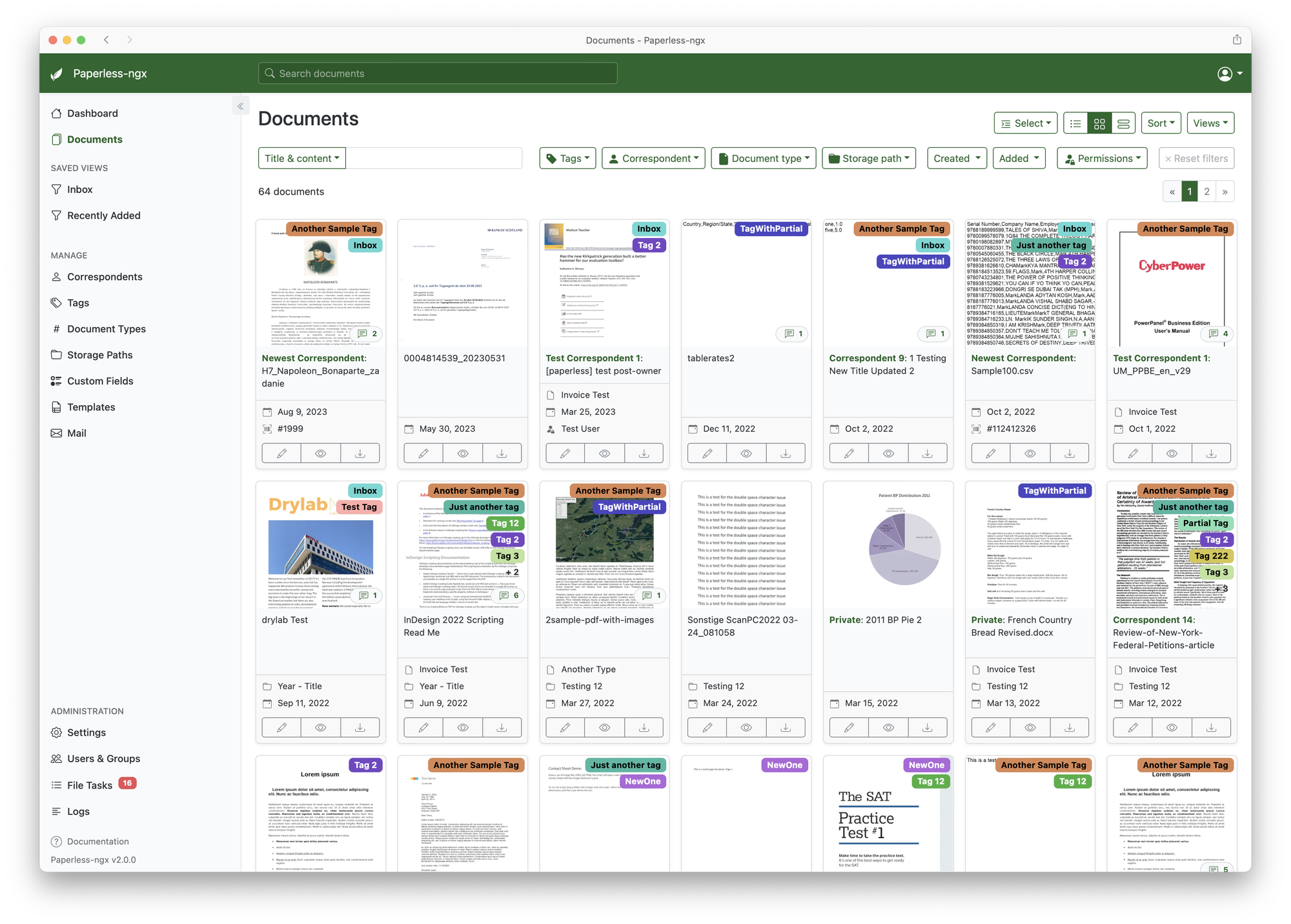
Going paperless with Paperless-NGX and a document scanner
I'm getting quite tired of the reams of paper that everyone is trying to send to my mailbox on any random occasion.
Did you know, that you can put a red dot sticker on the inside of your mailbox to stop receiving all mail that is not explicitly addressed? All the flyers, coupons, and various other crap simply stops appearing, so you don't have to immediately offload it to the paper bin by your mailbox.
Only works with Canada Post though, YMMV.
I've had the parts for this for a while, but haven't fully put it into motion, until today.
Hardware
My desk was extremely cluttered with all the different bits of paper I have to look through and take care of. And I finally had enough. Some months ago I've purchased a document scanner off the FB Marketplace. Not a flatbed though, but a multi-page scanner. Those are usually ridiculously expensive for no good reason, but I've managed to snag one at an office sale. A Brother Image Center ADS-2000.
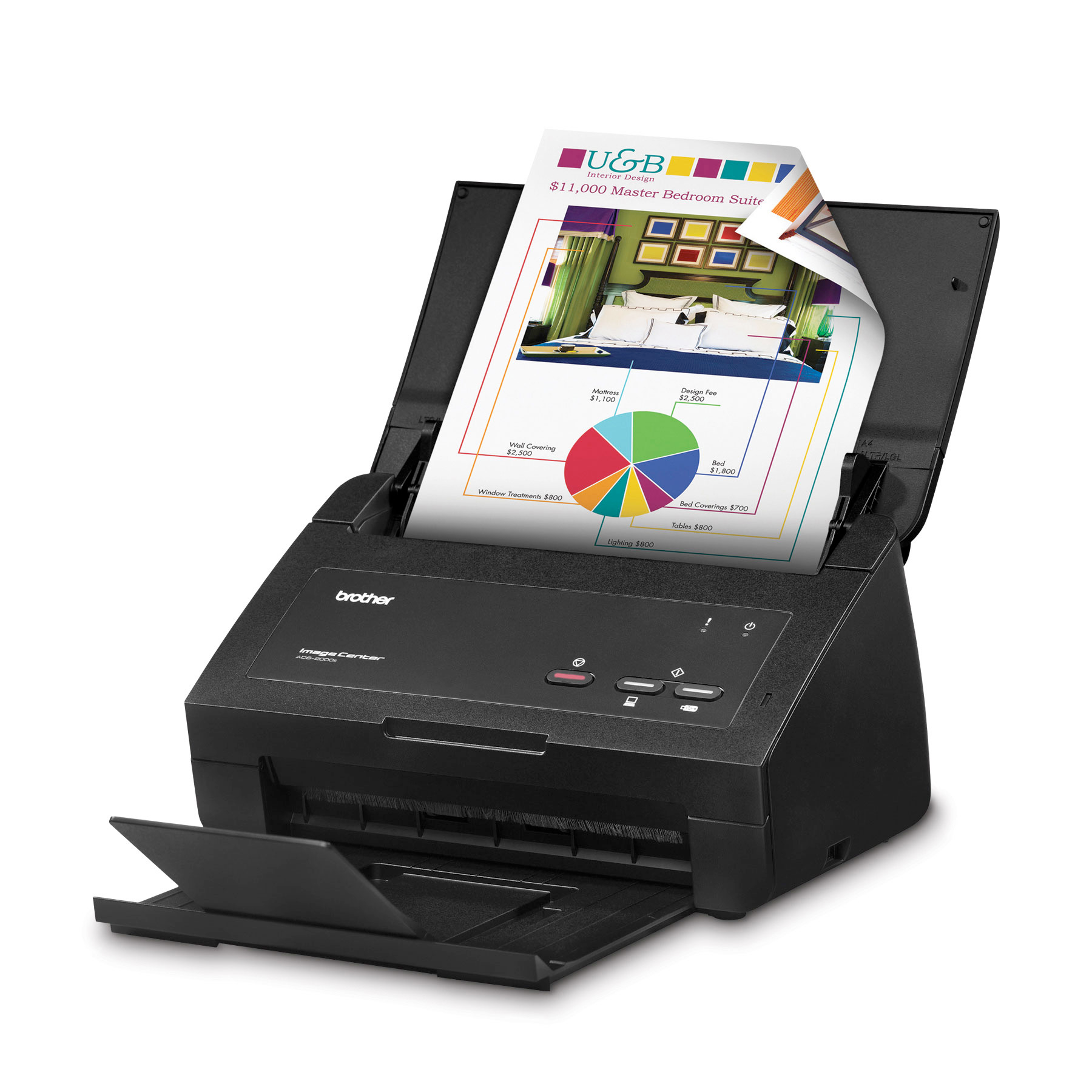
Sadly, it's been discontinued for a while. Amazon is offering me to get one for mere $1,500, but I think I'll pass.

Software
I've had Paperless-NGX installed on my ProxMox cluster, and I've uploaded a file or two, but never really made much effort.
It is configured to ingest documents from a shared folder, which lives on my NAS.
In order to get it into the LXC, first I mount it on the host, by putting the following into /etc/fstab
//192.168.1.102/paperless-ingest /mnt/lxc_shares/paperless_ingest cifs _netdev,x-systemd.automount,noatime,uid=100000,gid=110000,dir_mode=0770,file_mode=0770,user=paperless,pass=********* 0 0And then adding a mount point resource in the LXC configuration
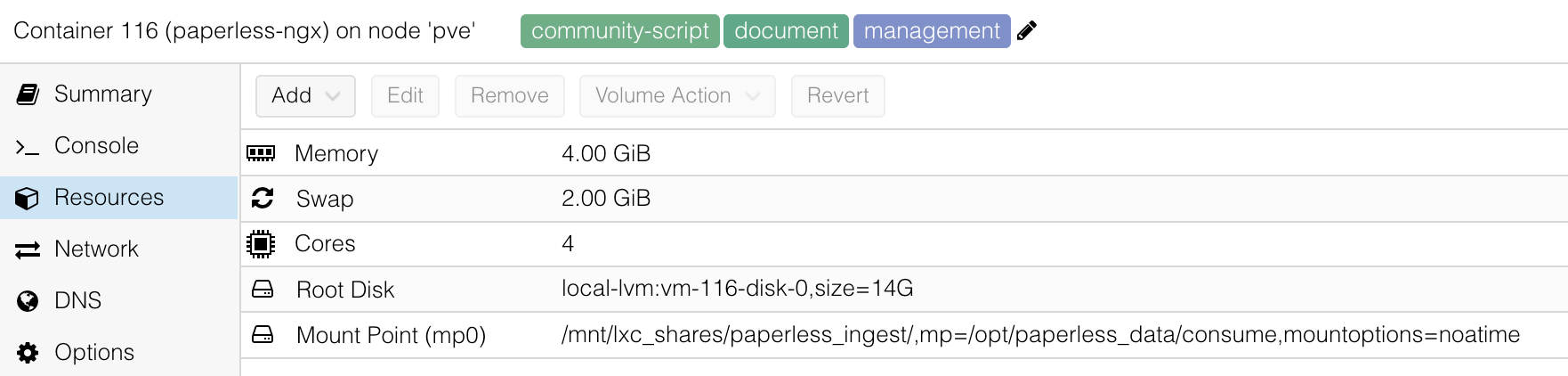
After these parts are working, all I have to do is to configure the paperless-consumer daemon by setting some environment variables:
PAPERLESS_CONSUMPTION_DIR=/opt/paperless_data/consume # Path from mounted resource
PAPERLESS_CONSUMER_POLLING=10 # Because SMB shares do not support inotify
Workstation piece
Because the NAS is in the basement, and the scanner is in my office, attached to a Windows machine (not even sure if they support Linux), there's some additional software on the Windows side of things.
At first I was trying to use Windows' own Windows Fax and Scan, but I couldn't get it to scan to the fileshare, even though it allegedly supports it.
Downloading full drivers and software package from Brother's site, you get the scanner that can do multi-page PDF, but it also enables you to simply press the button on the front side of the scanner, and it'll do the magic. It even works with double sided paper, you just feed a stack one way, and then flip it over and press "Continue" and it stitches them preserving page order.
So now, whenever I get a pile of paper, I can load the entire stack into the scanner, press a button, and voila, it get shipped off to the documentation management software that I can access from anywhere.
There's addons to do OCR and even feed it through an LLM, which I might consider doing once I get my Nvidia A2000 card working.
All I have to do now is to sort out SSO permissions and then the whole family could access this treasure trove of statements, bills, and strata AGM documents.