We have acceleration
My homelab consists of two machines. A Minisforum MS-01 mini PC and a Aoostar WTR PRO 5825U NAS box. In terms of GPU, MS-01 has an Intel xe integrated GPU, and the WTR has a Radeon Vega integrated GPU.
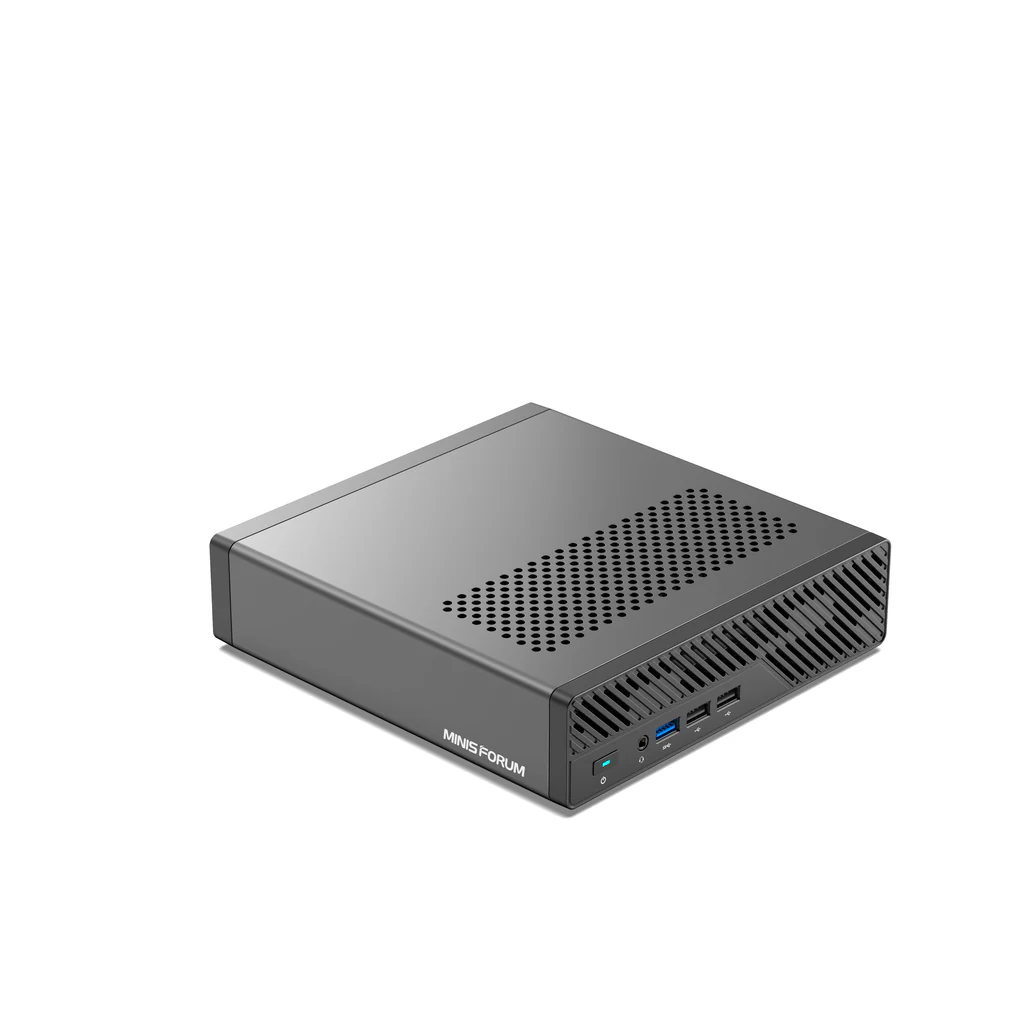
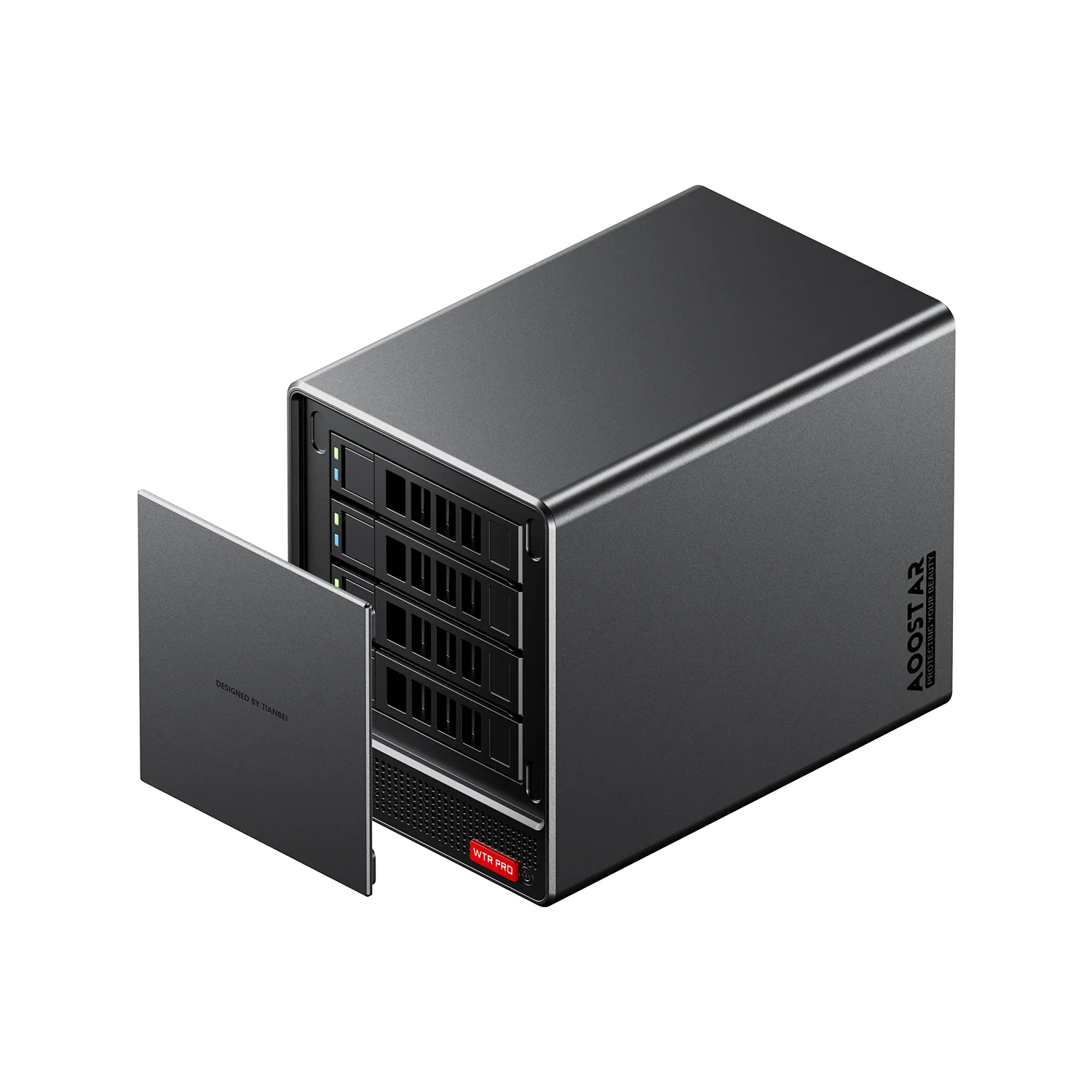
Minisforum MS-01 and Aoostar WTR PRO
AMD is basically out of the race when it comes to ML workloads in my understanding. Everyone just assumes Nvidia, and ROCm is only supported by a handful of tools. Both these GPU's are decent in terms of video transcoding, so running things like Frigate and Immich is just fine. However, trying to run ollama basically defaults to a CPU with horrendous performance.
MS-01 has 1 available PCI Express slot, and can fit 1-slot sized card. After looking for possible candidates online, I've purchased an Nvidia RTX2000E Ada Generation GPU. It is a 1-slot sized card, with 16Gb VRAM, and top consumption of 50W.
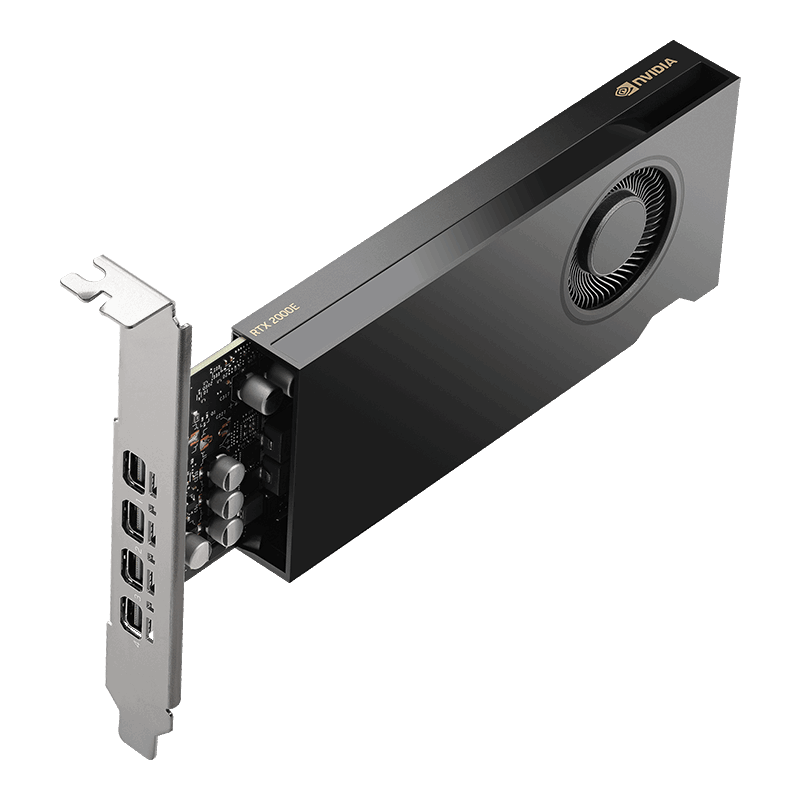
It fit just fine into the MS-01, but getting it going took some doing.
Attempt with vGPU.
So, datacenter GPU's can present as a bunch of virtual GPU's when used in virtualized environments. This means I could share this GPU between several, otherwise isolated machines. This usually requires data centre grade GPU's with specialized drivers, there are 3-rd party tools that "liberate" a consumer-grade card to do the same.
It requires a pretty old kernel, and since I don't really plan to run additional VM's that require hardware acceleration, I've abandoned this idea for the time being.
Attempt with just installing the drivers
Recently, Proxmox has released an update to the kernel to version 7.0.3. I was still on 6.11.14, because it ended up being pinned during all the vGPU shenanigans. So I had to first update to Version 7 and then get the driver going.
The driver that worked for me is 580.159.03. 590 refused to compile. I've installed it with DKMS and Signing (I'm running SecureBoot on this machine).
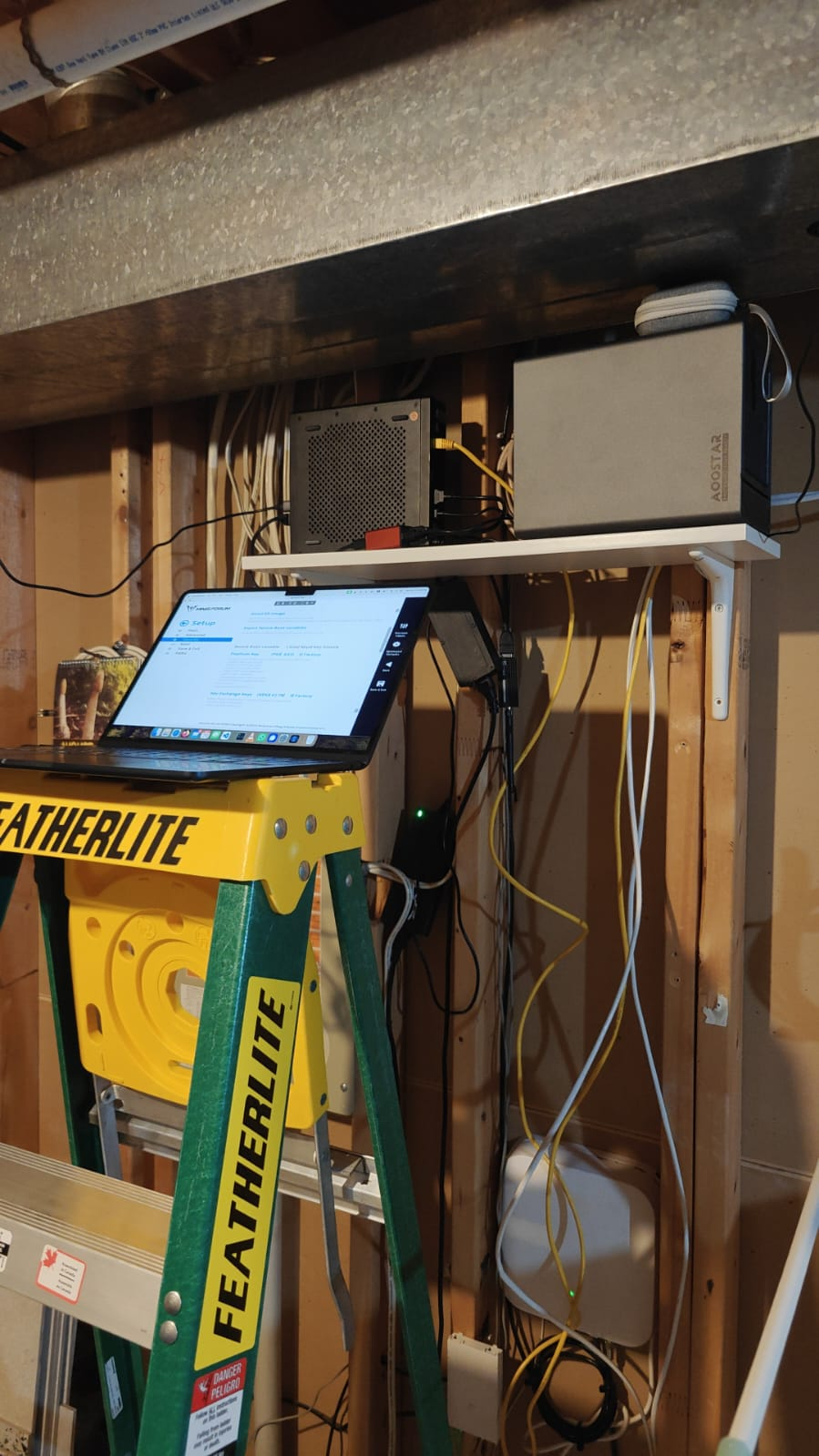
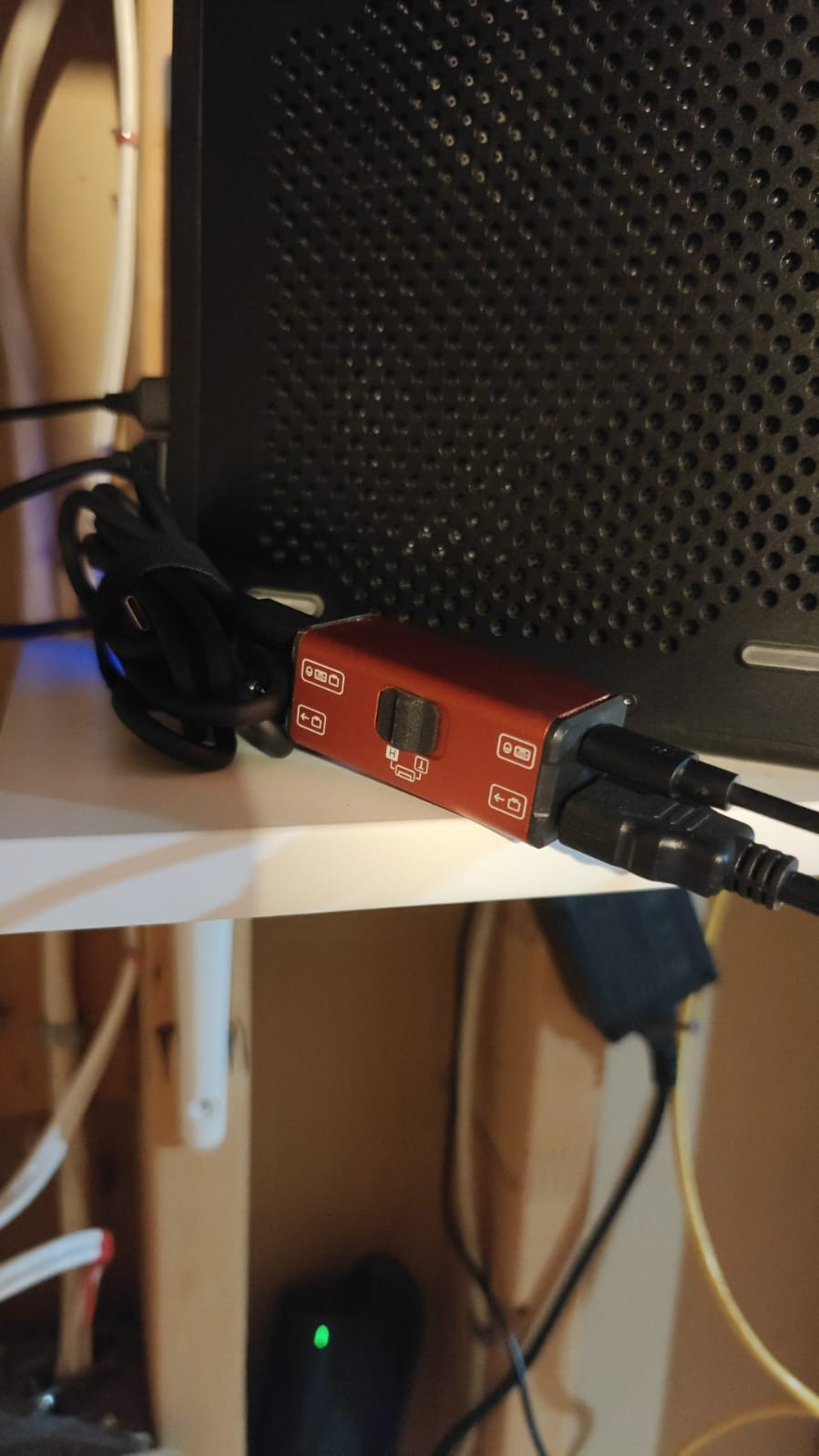
Since this can fail for a magnitude of reasons, I have to have my finger on the pulse with a NanoKVM. The same box runs my HomeAssistant, and if that goes down – family is not happy.
For the most part I've followed this guide when it comes to driver installation. Once it was installed and I could get some output from nvidia-smi tool, the last part of this puzzle was to get it working inside of an LXC.
For that one has to get some device passthrough going:
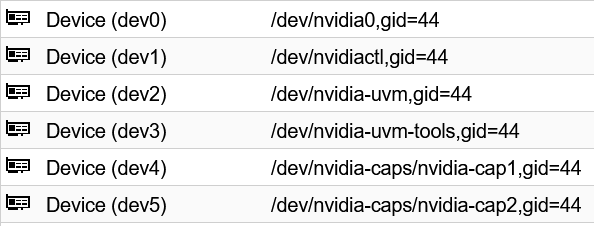
Additionally, you need to install the driver and shared libraries inside the LXC as well. To do so you could pvc push <ID> ./NVIDIA-xxx.xx.xx.run /root/NVIDIA-xxx.xx.xx.run , and then connect to the LXC, do a chmod +x /root/NV..., and finally run ./NVIDIA-... --without-kernel-module. This should install all the .so files and nvidia-smi utility inside the LXC.
In order to get it into the docker container running on that LXC, you need to install nvidia-container-toolkit. And add a section to your compose files:
    deploy:
      resources:
        reservations:
          devices:
            - driver: nvidia
              count: 'all'
              capabilities:
                - gpu
Conclusion
I now have openwebui+ollama running models in-house. Ollama is made available to local clients, such as HomeAssistant, potentially also Paperless-NGX. I've switched immich-machine-learning that does face recognition and photo context detection from Intel's OpenVINO, to -cuda version without much trouble. I've also furnished my Sure Budget and Pulse Monitor with AI capabilities.
All running locally on my own hardware. Sure it's not the greatest models, but I don't have to pay per token and feed my own data into the maw of the machine.