Zigbee Groups in HomeAssistant
Finally figured out how Zigbee groups work in home assistant. If you have multiple devices (e.g. smart bulbs) and you want to control them all at once, you could add them directly to your automations, but you may notice, that they do not turn on simultaneously and sometimes some of them may not even turn at all, or there are weird delays.
This is because zigbee coordinator needs to issue the commands to each device, and if you need to say, set brightness, color temperature, and turn it on for 3 bulbs - that's 9 commands it needs to send over the zigbee mesh.
Groups to the rescue
Zigbee has native support for groups. You explicitly add them into one (provided they share same characteristics), and it works like a kind of multicast. It sends the one command to the group and all members of that group hear it and react.
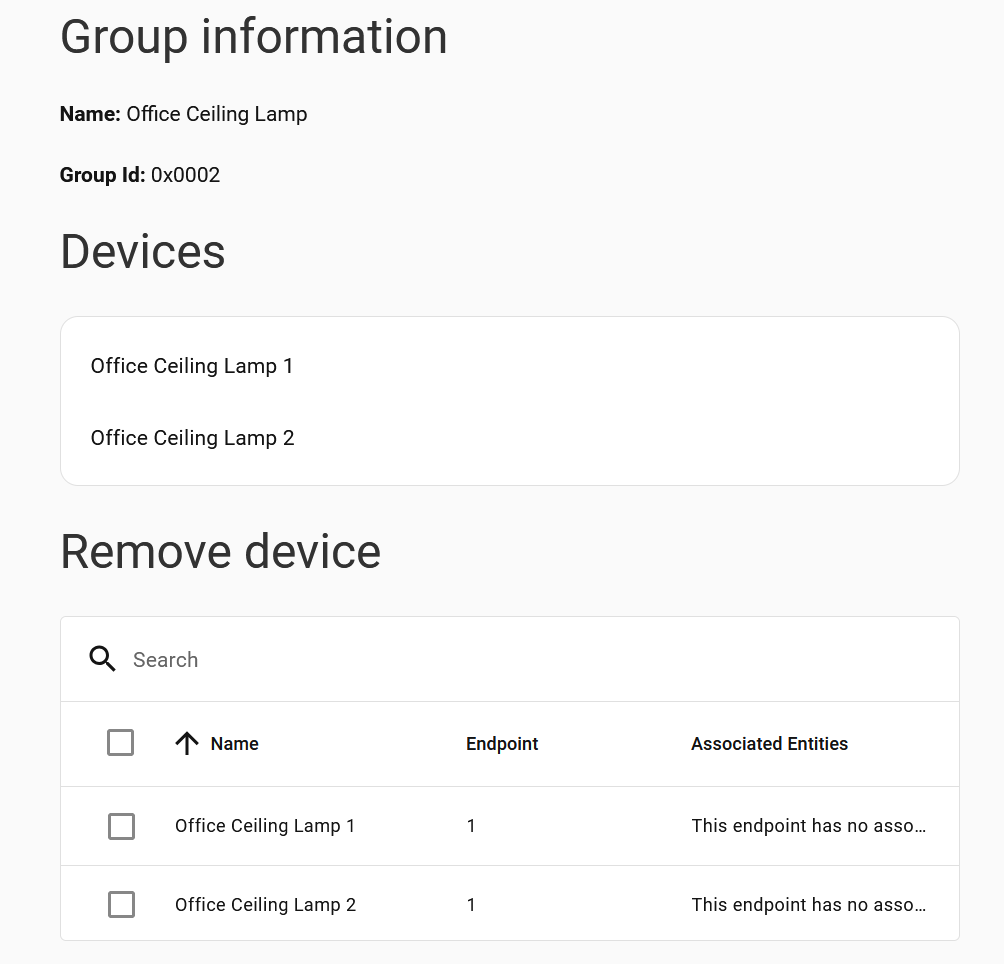
But until recently, even I've created the group, I could not find where the group controls are. In the recent update to HomeAssistant they've introduced a new dynamic dashboard that aggregates a bunch of stuff from your home based on the assigned areas.
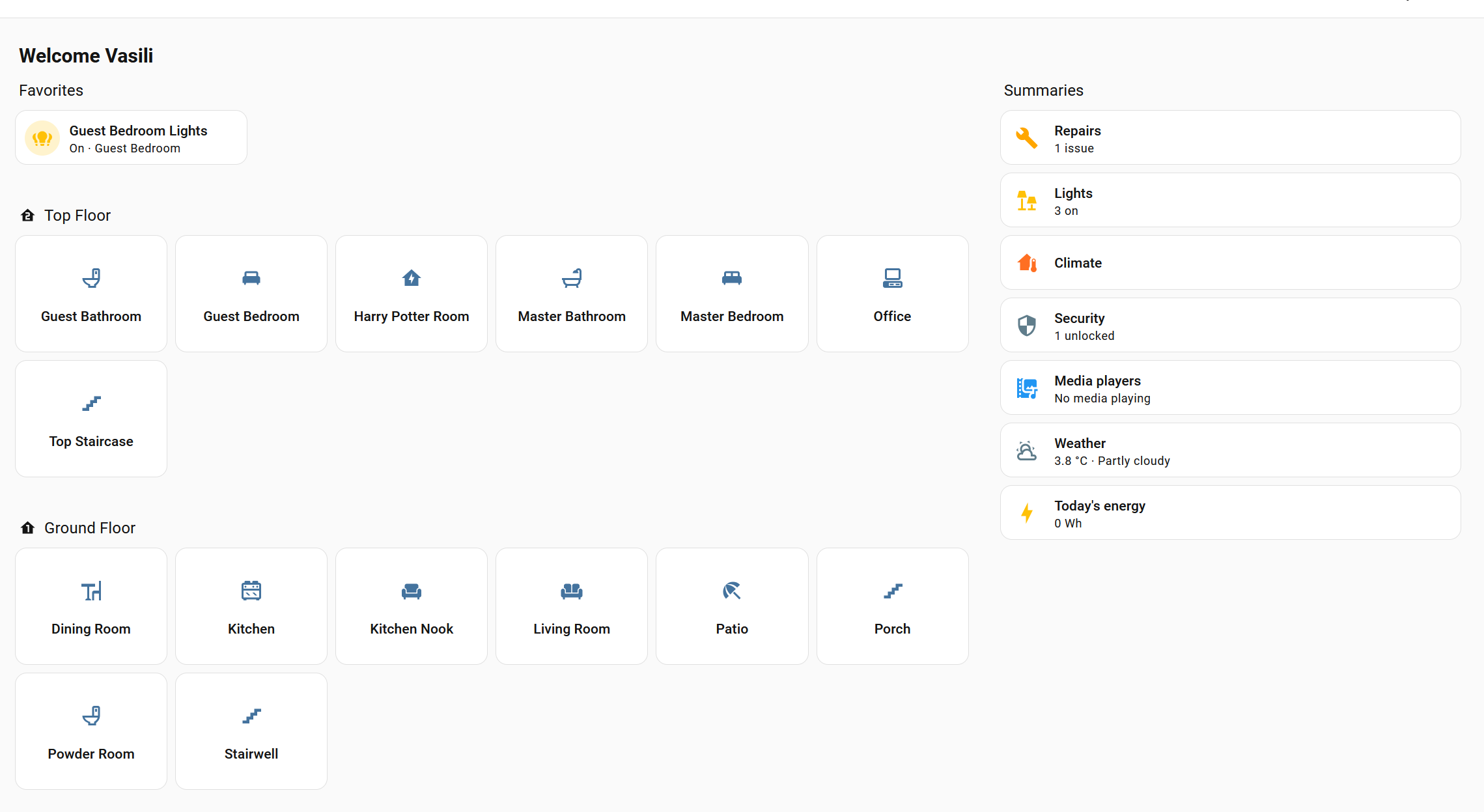
And I've noticed some odd devices. Like my Living Room suddenly has a device for Hub Living Room Office Ceiling Lamp
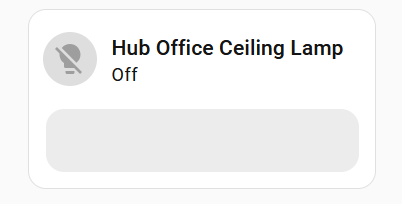
Which didn't make sense, until I realized something. Each group control appears on the Hub. My Hub's area is set to Living Room, so it was exposing all of those controls there, but because I use a different dashboard, it just never was obvious to me.
So what you have to do, to make it usable is to go to the device settings on the hub
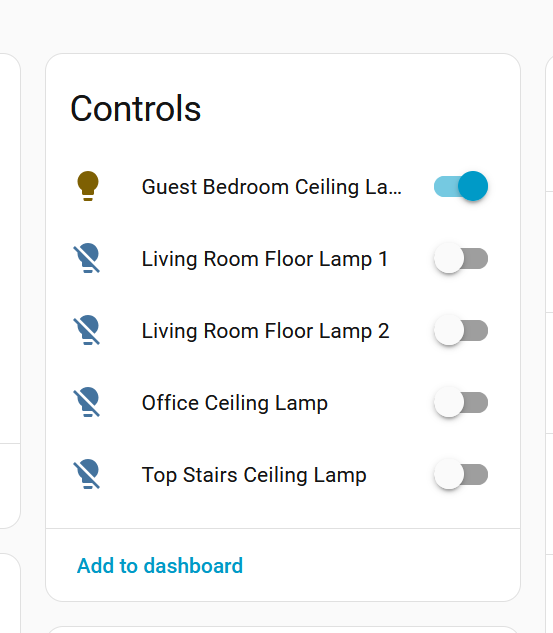
and individually override the Area
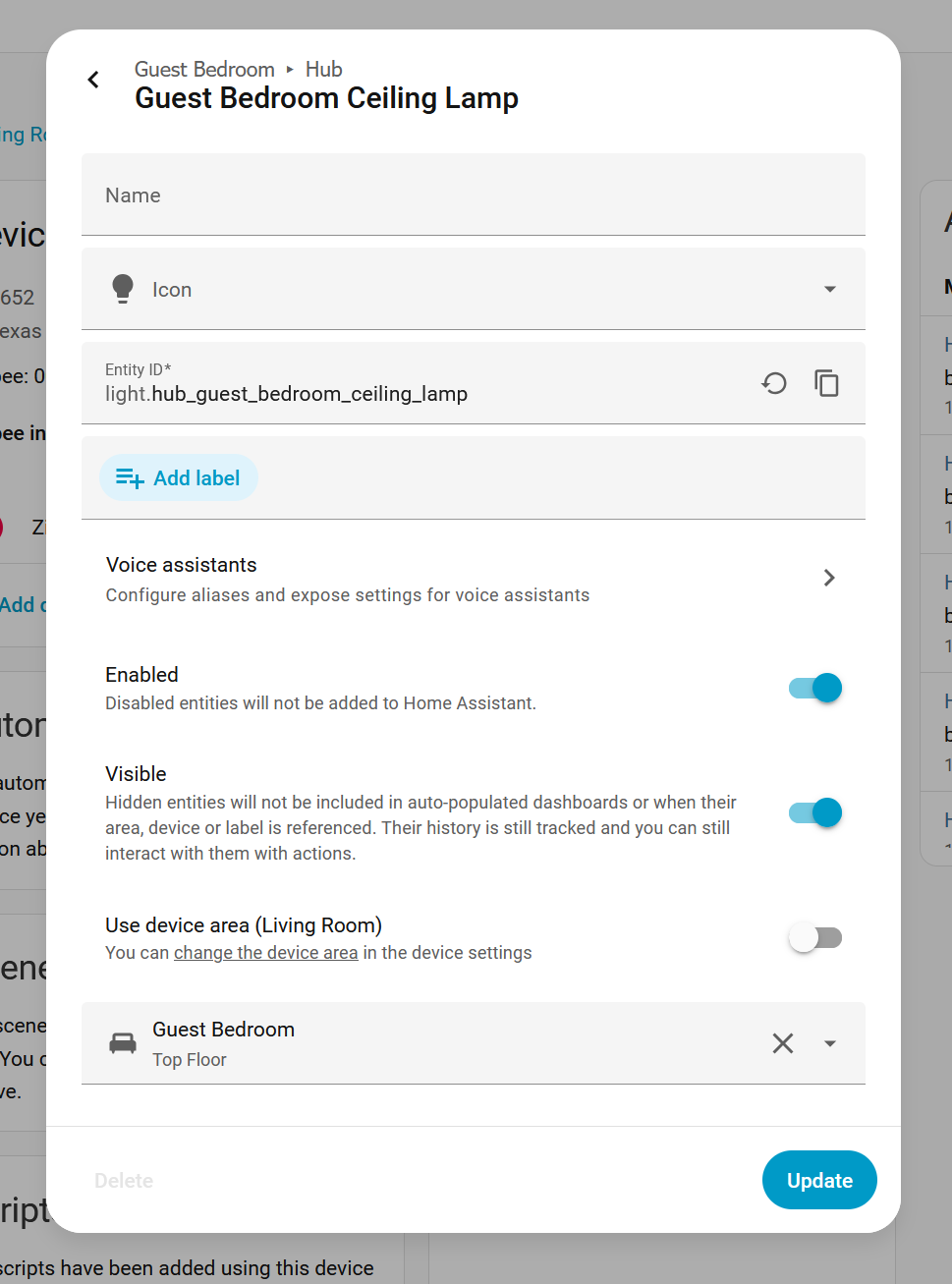
Now they will appear on the correct dashboard, and you can also use these as part of the automations to make things smoother and not overload your mesh too much with flood of commands.